Bscscan token approvals - limited and unlimited allowances
Bscscan token approvals expose the spending permissions a wallet has granted on BNB Smart Chain. A limited allowance caps a spender’s access at the remaining approved amount. An unlimited allowance grants a much larger ceiling for the same token. The choice balances repeat-use convenience against spending exposure. Removing either allowance requires an on-chain change, with BNB available for gas.
Updated on
Allowance size only answers the amount question. The token contract and spender address determine the permission’s reach, while NFT approvals follow different rules. Those boundaries matter before deciding which permissions to retain, reduce or revoke.
The short version: A limited allowance restricts one spender’s access to one token contract, while revocation changes that permission only after on-chain execution.
Spending ceilings and repeat use
A limited allowance fits a bounded operation when it covers the token debit the spender will make and restricts withdrawals through the allowance mechanism to the approved amount still available. The limit does not establish whether the spender will use the permission as intended.
Retaining a broad allowance can reduce repeat approval transactions. It also leaves more of the approved token exposed if the spender misuses its authority. Unlimited commonly means a very large allowance; its treatment during spending depends on the token’s implementation.
The owner, token contract and spender
Where the permission lives
The token contract records an allowance for a particular owner and spender. The owner holds the tokens; the spender receives authority to transfer them.
Who receives spending authority
An application may request permission for a contract it uses to move tokens, while the approval transaction addresses the token contract and identifies the spender in a separate argument. Confusing them can direct a permission change at the wrong contract or grant access to the wrong spender.
Fungible allowances and NFT or multi-token approvals
Fungible-token caps measure an amount. ERC-721 approvals cover a single non-fungible token (NFT) or authorize an operator across the owner’s NFTs in that contract. ERC-1155 operator approvals cover all token IDs the owner holds in that contract, whether fungible or non-fungible. Available checker controls determine which of these settings the owner can change through the interface.
| Permission setting | Authority granted | Asset scope |
|---|---|---|
| Limited fungible allowance | Spending up to the remaining approved amount | One BEP-20 token contract for the selected owner and spender |
| Unlimited fungible allowance | Spending under a very large allowance | The same token contract, without a cap tailored to one operation |
| Zero fungible allowance | No spending through the standard allowance | The selected token, owner and spender relationship |
| ERC-721 item approval | Transfer authority for a specified NFT | One token ID within an ERC-721 contract |
| ERC-721 operator approval | Authority to manage the owner’s NFTs in the contract | All NFTs the owner holds in that ERC-721 contract |
| ERC-1155 operator approval | Authority to manage the owner’s tokens in the contract | All token IDs the owner holds in that ERC-1155 contract |
| Disabled operator approval | Removal of that operator permission | The selected ERC-721 or ERC-1155 contract; ERC-721 item approvals remain separate |
ERC-721 item and operator approvals coexist. Disabling an operator leaves separate item approvals intact. ERC-1155’s basic operator switch has no per-item quantity cap; narrower permissions require an additional interface or contract.
Checking the addresses before signing
The correct owner address and BNB Smart Chain network identify the relevant permissions, since an allowance on another network or for another account has a separate state even when the address looks identical. The wallet used for an ordinary revocation must control the owner account whose permission will change.
Check the full token and spender addresses. A familiar token symbol or application label cannot establish which contract receives the call.
The approval checker accepts an address for inspection. Connecting a wallet enables the owner to authorize a change; connection alone does not revoke anything. Reviewing a public address does not require handing over a seed phrase or private key, and a permission-change prompt should identify the action being authorized.
Unsolicited tokens can carry names designed to attract attention. Their appearance in a wallet does not justify granting a spending allowance or following instructions embedded in their name. Keep approval review focused on the token contracts and spenders involved in operations you recognize.
Approval amounts in the wallet prompt
Fungible-token spending caps
For ordinary BEP-20 approvals, the wallet prompt concerns how much of a token the spender may use. Where the wallet supports editing that cap, the amount must cover the intended token debit. A smaller amount can leave the application unable to complete its operation through that spender, requiring a further permission change.
Contract amounts use the token’s smallest units, while human-readable values depend on its decimal precision, so compare the displayed cap in token units. Do not interpret a raw integer as whole tokens without the correct conversion. Token decimals are metadata to establish for that contract, not a value to assume from another asset.
NFT and multi-token operator switches
An operator approval uses an enabled or disabled state instead of a fungible-token spending cap. A prompt for
setApprovalForAll
can authorize access across the owner’s holdings in that ERC-721 or ERC-1155 contract. Its scope can exceed the item or quantity needed for the immediate operation. A token amount field cannot express that boundary.
Does disconnecting a wallet cancel its allowances?
Disconnecting a wallet leaves its on-chain token allowances unchanged. The connection controls how an application communicates with the wallet, while the token contract separately controls spending permission. Closing a browser tab or ending the connection does not submit a transaction to alter that permission.
A disconnected application can still spend through an allowance it holds. Neither disconnection nor revocation erases public transaction records.
BNB gas for approval changes
An ordinary approval or revocation transaction on BNB Smart Chain needs BNB for its network fee. The fee depends on the transaction’s gas consumption and the applicable gas price. A token’s allowance amount does not determine a fixed revocation price, and holding the approved token does not substitute for native BNB.
Inspecting an existing allowance does not itself submit a permission-changing transaction. Repeatedly raising a limited cap can add further approval fees when new transactions are necessary. An unlimited allowance may avoid some later approval transactions, although future revocation still needs a network transaction. Compare that convenience with the amount of continuing spending authority.
What confirms a revocation has taken effect?
A confirmed transaction and a matching current permission state establish whether the intended revocation took effect. A wallet confirmation screen or transaction hash alone cannot establish the token contract’s final state; the receipt identifies execution status and the current permission identifies what the spender can still do.
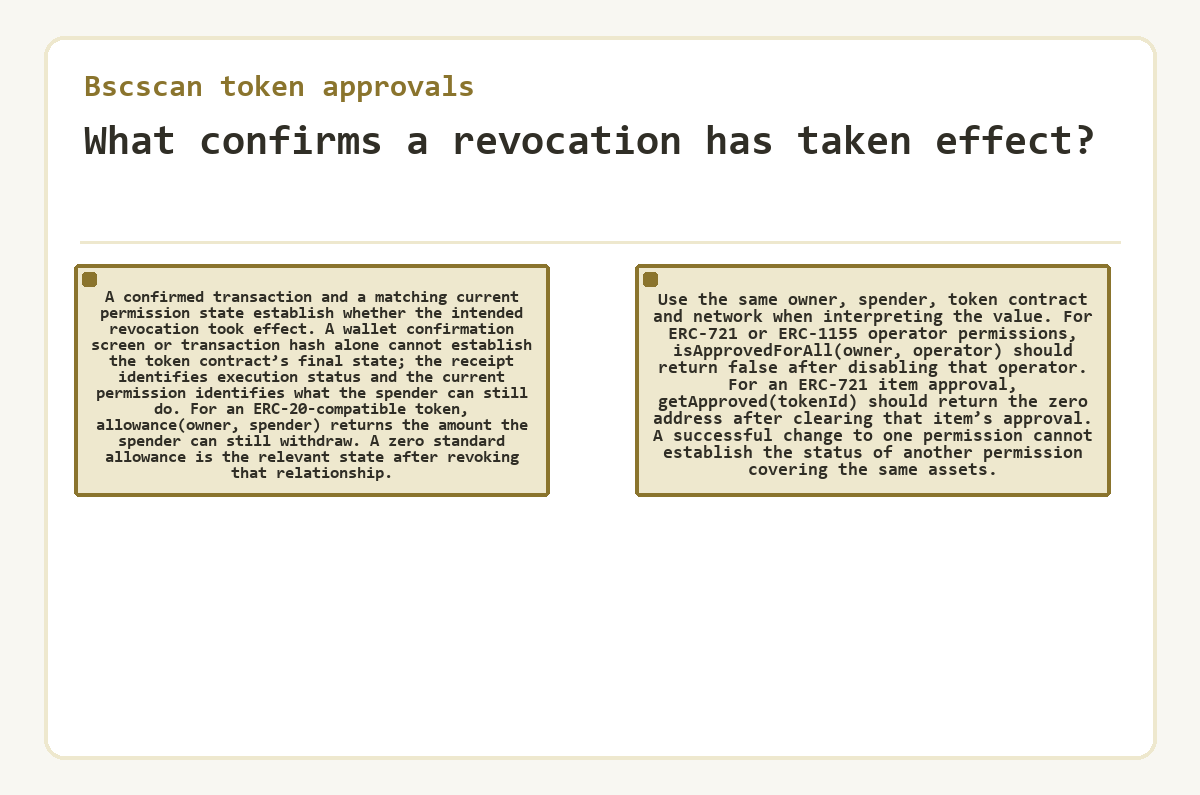
For an ERC-20-compatible token,
allowance(owner, spender)
returns the amount the spender can still withdraw.
A zero standard allowance is the relevant state after revoking that relationship. Use the same owner, spender, token contract and network when interpreting the value. For ERC-721 or ERC-1155 operator permissions,
isApprovedForAll(owner, operator)
should return false after disabling that operator. For an ERC-721 item approval,
getApproved(tokenId)
should return the zero address after clearing that item’s approval. A successful change to one permission cannot establish the status of another permission covering the same assets.
Replacing an existing nonzero allowance
Resetting before assigning a new amount
Changing an existing allowance to a different nonzero amount for the same spender has a transaction-ordering risk: the spender may use the old allowance before the replacement and then use the new allowance. The ERC-20 interface guidance recommends reducing the allowance to zero before assigning the replacement amount. Some token implementations require that reset. If the interface uses separate reset and replacement transactions, confirm the zero allowance before submitting the replacement. Wallet and contract interfaces determine which controls are available. Do not assume Bscscan’s revocation control also offers an arbitrary new spending cap, or force a token through an unsupported interaction.
Spending before the reset takes effect
The existing permission remains usable until the chain applies the change. Setting it to zero cannot reverse transfers the spender already completed. A smaller replacement amount sets a new allowance; it does not reconcile earlier spending or recover tokens. Any funds already transferred require a separate assessment of that transfer.
Failed changes and incomplete permission lists
A rejected wallet request makes no on-chain permission change. A pending transaction leaves its intended change unconfirmed, while a reverted transaction does not apply the requested reset. A failed transaction can still consume gas. Increasing the spending cap does not resolve a missing gas balance or an incorrect contract address.
Reading the current allowance can resolve an uncertain result without submitting another permission change. Check the existing transaction’s status and the selected addresses first. A missing checker entry alone cannot establish zero permission; a direct contract read can answer a known owner-spender query when the interface supports it.
For tokens implementing the draft ERC-7674 extension, resetting the standard allowance does not clear a temporary allowance created within the same transaction. The temporary allowance expires when that transaction ends. Likewise, resetting a BEP-20 allowance does not disable ERC-721 or ERC-1155 operator permissions.
Reviewing retained permissions over time
Retained allowances deserve another look when an operation ends or an application no longer needs access. A limited cap can leave unused permission after a partial spend. Broad permission makes ongoing use easier, but its convenience continues alongside the spender’s authority.
Permission review concerns access to assets held by the owner account. It cannot return assets already deposited into another contract or undo a completed transfer. Removing an allowance also does not repair a compromised signing key.
Bscscan token approvals: the short answers
Can an allowance remain active when the token balance reaches zero?
An existing allowance can remain active after the token balance reaches zero. Balance and allowance are separate values in the token contract. If the same account later receives more of that token, a retained spender permission may apply to the new holdings, up to the allowance still available under that token’s rules.
What happens to Bscscan token approvals when a dapp changes its spender address?
An allowance granted to the old spender does not automatically move to a new spender address. Each owner-spender relationship has its own value within the token contract. A request naming a different spender therefore concerns a separate permission, even if the application has the same name. The old spender’s existing allowance also remains a separate review item.
Why does a dapp request a fresh approval after revocation?
Revocation removes the selected spender’s permission, so a later operation using it may require a fresh approval. The dapp still needs authority to take the relevant tokens through the allowance mechanism. Restoring access is a new authorization decision: the application requesting it does not establish that the previous spending cap or an unlimited cap is necessary.
Could a fungible-token allowance authorize spending native BNB?
A standard fungible-token allowance authorizes spending the selected contract token, not native BNB. Native BNB belongs to the network’s account balance and pays BNB Smart Chain gas fees. A separate transaction can transfer BNB, so review any native value requested in the wallet prompt independently from the token allowance amount.
Does a smaller spending cap also set an expiry date?
A smaller cap changes the amount authorized by a basic ERC-20-style approval without adding an expiry date. The standard approve call specifies a spender and amount, with no deadline argument. Separate permission systems may have timing rules, but the cap alone does not establish them. Finishing an operation also does not automatically cancel its unused standard allowance.
Who can change the token allowance I inspect in Bscscan?
A standard approve call changes the caller’s allowance for the specified spender. Knowing your public address permits inspection, not authorization to alter that value. An ordinary wallet transaction must come from the account controlling the tokens. A different account approving the same spender changes its own allowance, leaving yours unchanged.
Is the latest Approval event a reliable measure of remaining allowance?
The latest Approval event does not always show the allowance remaining after subsequent spending. An event records the approved value at that point, while later transfers can consume permission. Token implementations can reduce an allowance without emitting another Approval event. Read the current allowance for the exact owner and spender instead of reconstructing it from that event alone.